For apartment garages, this removes the routine work of handling each visit. Before introducing the system, management should confirm where guests are allowed to park and what charges apply. These instructions should be available to residents before their visitors arrive.
Information Required for Guest Registration
Guests need the following information to register through ApartmentPermits:
- Property and unit: The community they are visiting and the resident’s unit number.
- Resident information: The last four digits of the resident’s phone number, or the Guest PIN if the resident has set one.
- Vehicle information: Details of the vehicle being parked, including its license plate number.
Residents should provide the registration information before the visit. Include this instruction in your resident parking notice. Sending a visitor the registration link without the required resident information leaves part of the process unfinished.
Guest Registration and Payment
Registering the Vehicle
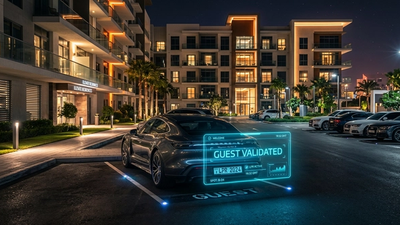
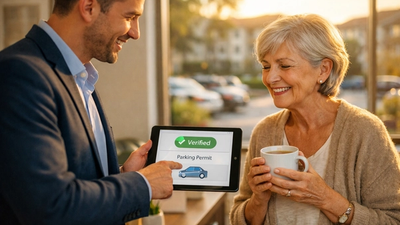
The guest selects the property and enters the required information. They then review the property’s parking rules and confirm the license plate number. Successful registration ends with a confirmation.
Ask guests to check the plate against the vehicle they are actually driving. This is particularly worth mentioning to anyone arriving in a rental or borrowed car.
Paying for Guest Parking
ApartmentPermits supports paid guest parking, including charges for overnight permits. Guests can register and pay online rather than arranging payment through management.
Before charging for garage parking, explain the charge in your property instructions. State when paid parking applies and the period covered by the permit. Avoid using “overnight” on its own without explaining the applicable hours.
Where guest parking is first come, first served, say so. Do not describe payment as a reservation unless the property actually assigns a space.
For example, a guest who pays for overnight parking should know whether to use a marked visitor space or a particular stall. They should not have to call the office after paying to find out.
Garage Parking Instructions
The registration process and your garage signs should give guests the same instructions. Check the following before directing residents to the online system:
- Permitted spaces: Identify the garage level or marked spaces available to guests. Clearly exclude resident-only areas.
- Parking charges: Explain which visits require payment and when those charges apply.
- Full guest parking: State what visitors should do when no permitted space is available. Do not leave them to assume they can use an empty resident stall.
Be specific about the location. “Guest parking on Level 2 in spaces marked Visitor” is more useful than “guest parking in the garage,” provided that description matches your property.
Keep these directions separate from the registration requirements. A visitor needs to know both how to obtain a permit and where that permit allows them to park.
Permit Expiration and Registration Errors
Guests must check the permit expiration shown at confirmation. Anyone needing additional time must obtain another valid permit or leave before the existing permit expires. Do not describe another permit as an automatic extension.
Important: An unsuccessful registration does not provide permission to park. ApartmentPermits displays an explanation when registration cannot be completed. Guests should read that message rather than assume the vehicle has been registered.
Include a contact instruction for unresolved registration problems. Routine registrations can remain self-service without leaving guests unsure who to contact when they need help.
What Management Can Review
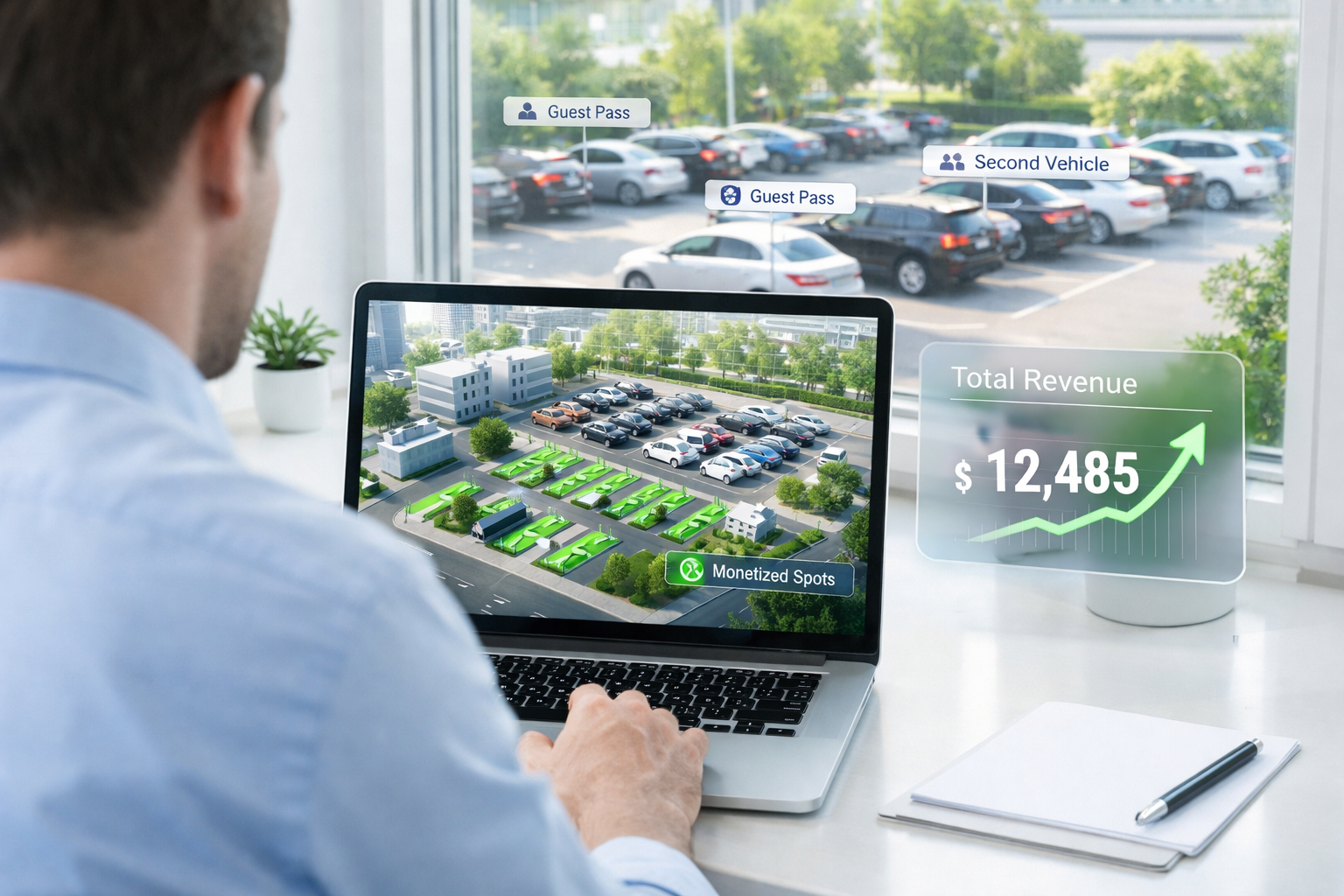
ApartmentPermits provides a management dashboard with vehicle registrations and parking history. The system also records events such as failed guest registrations caused by a reached limit. Management can set vehicle and guest limits at the unit level.
When a resident reports a registration problem, check the relevant record before changing the parking allowance. A request for help with registration is not necessarily a request for more guest parking.
Garage Gates and Entry Access
ApartmentPermits is software-based. It does not operate garage gates or connect directly to access-control hardware. Entry arrangements remain separate from parking registration.
For a gated garage, provide entry instructions alongside the parking notice. Do not tell visitors that registering or paying will open the gate.
Set Up Online Guest Parking
Contact ApartmentPermits to discuss guest registration and paid parking for your apartment garage. Have your current guest parking rules available, including permitted spaces and any overnight charges. These provide the starting point for setting up your property’s parking program.